The following is part of a series of posts about 2026 summer intern projects—for more, see “What the interns have wrought, special jumbo 2026 edition”
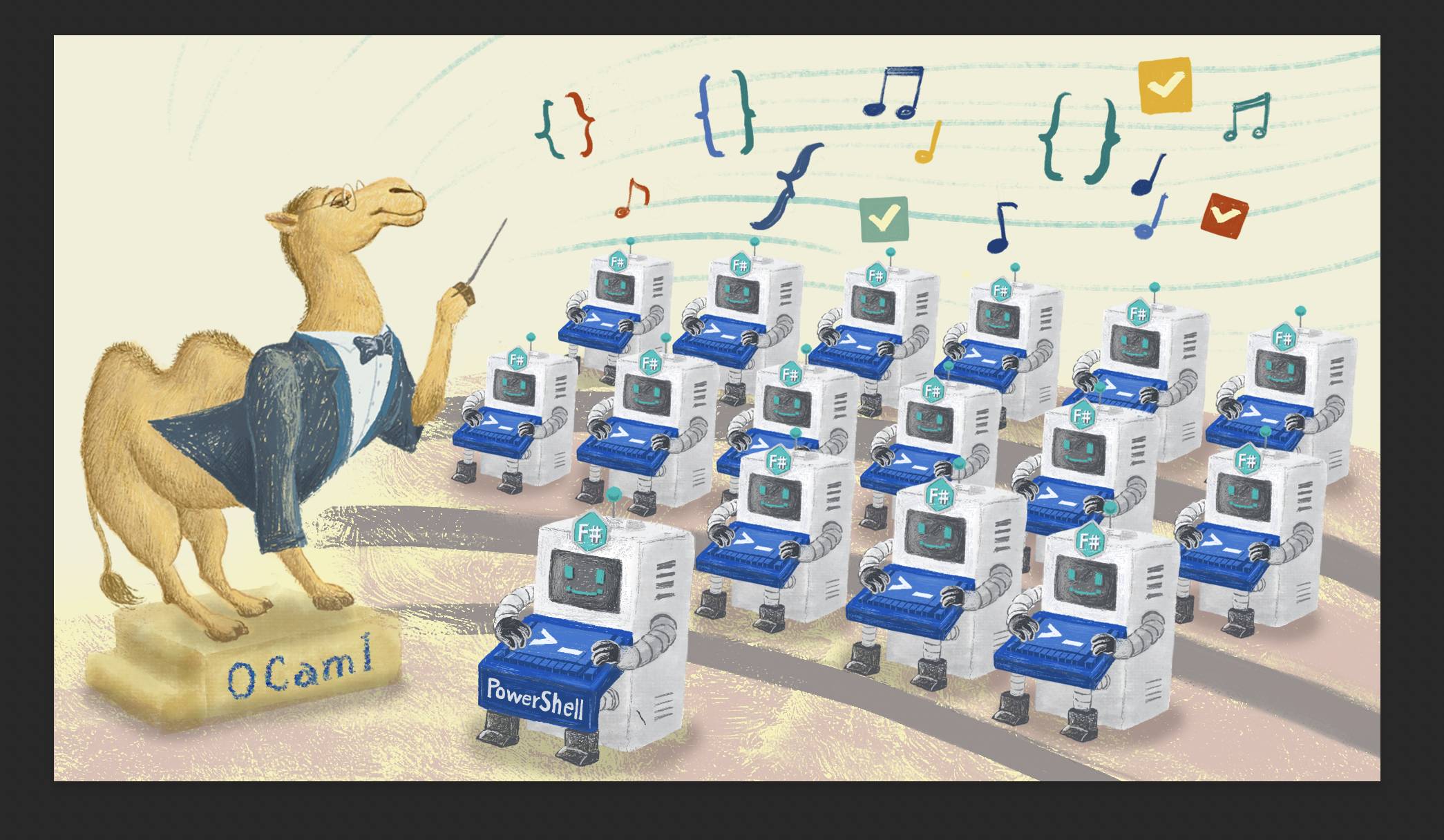
Windows config management is a challenging engineering problem in every IT department. Different classes of hosts may need different configs and assigning hundreds of configs to tens of thousands of hosts can become messy. We’ve long used a first-party Microsoft tool called Group Policy for this. It’s powerful, but has serious drawbacks, including poor alerting visibility and a limited ability to configure group policies with code. So we built our own configuration management framework using a distributed PowerShell task. While this worked, it was hard to reason about, and so this summer our Windows engineering intern, Max Ohm, developed a much more robust centralized system in OCaml and F#.
The PowerShell config management system
The basic atom of this system is a configuration artifact, consisting of a condition (“is such-and-such configured?”) and an action block (which works to satisfy the condition). We try to keep artifacts simple, with just a single action (e.g. “if this registry key is not set, set it”), but in practice an artifact can have much more complex condition and action blocks. A collection of configuration artifacts is a config script. Config scripts can take parameters which may slightly change their behavior, and there is a meta-config (a JSON file) for specifying how various config scripts should apply to specific hosts, say based on a hostname regex, AD group, or even by the machine user’s department; scheduling, i.e., when it’s permissible to apply the config script; and phasing, which groups config scripts into dev, beta, staging, etc., groups for phased rollouts of config changes.
The way the system worked is that a PowerShell script would run on a schedule, parse those schema files, compute applicability, considering phasing and schedule, and then run or not run different config scripts.
Until the summer of 2026, the processing of all of this information was done per machine. This approach worked for a while but was hard to reason about. A single PowerShell script managing the execution of other PowerShell scripts in the same process blurred the lines between management and execution and caused a few incidents. (For example, a config once started its own new thread, which couldn’t run because we limit concurrency to one thread. That config would wait indefinitely for the thread it spawned to finish, causing the whole process to hang: if a given config didn’t finish, we couldn’t move on to the next one.) Also, while the data in the meta-config JSON files was “typed” by using JSON schemas, PowerShell itself doesn’t have anything but rudimentary type checking, and so the process was error-prone. Finally, some of the logic for deciding when to apply a config depended on external systems, and so resolving applicability from each host could put a significant load on those other systems.
What if we offload config management to a centralized server?
And that’s where Max Ohm comes in, our Windows engineering intern for the summer. Max centralized all the decision-making about when and how to apply configs into a server. To do this, he built on an existing internal system called Orchestrator that we use to roll out software, and which has similar notions of applicability and phasing. Max built a parser in OCaml for the JSON meta-config files so that Orchestrator could periodically poll them and store the results in its state. This involved implementing all of the subtle applicability, scheduling, and phasing logic, along with various knobs and toggles (like when is it okay to run a config in a test-only mode outside of the schedule?). Doing this in OCaml, with its robust tests and type-checking, allowed us to gain more confidence. In fact Max found a few bugs in the existing PowerShell code during the re-write (some of which we decided to keep in the new code for now, so as not to rock the boat too much!).
Max then replaced the distributed PowerShell scripts with a stateless F# agent that runs on each host and communicates via RPC to the Orchestrator service. This included wiring up logging and alerting using our centralized observability framework. This means that instead of querying each host separately to do a health check, we could simply ask the server “which hosts haven’t checked in recently?” Again, though, in our conservatism we decided to maintain our existing monitoring in parallel until the new setup is proven.
Gaining confidence in the new system
Gracefully cutting over from the old system to the new was a big theme of Max’s project. We wanted to be sure that the new system was functionally identical. So Max built an “audit mode” into the client, in addition to the regular “apply mode”. Apply mode works exactly like the old system in the sense that it receives a list of configs to run and it runs them. Audit mode, by contrast, essentially tails the old system to figure out what it’s doing in each run, then queries the server to see what the new system would have done in the same situation. It then logs any drift between the two. Getting this right was challenging because the answer to “what config should we run now?” depends on the result of a previous run (e.g. if a config failed to apply, it should continue to run in test mode even outside of schedule), so in tailing the old system, the new client was reporting fake outcomes to the server before asking it what config should run.
The audit produced a decision log showing for each config whether it was included or excluded and why. Having both the old and new systems produce these logs allowed us to spot various discrepancies between them and identify even more bugs in the old system. Here are some example log lines (truncated for brevity) showing a discrepancy caught by the audit mode:
old system: Included WindowsFirewall config. Mode: Apply. Reason: Inside_Schedule
new system: Excluded WindowsFirewall config. Reason: Outside_schedule_without_test
Here we have a config script applying Windows firewall rules. It is configured to run after hours and overnight in Apply mode but not during the day. These logs show that the old system included a Windows firewall rules config because it incorrectly decided that it was inside the schedule. The bug was that it incorrectly computed overnight scheduling windows.
Similarly, a config is scheduled to continue running in test mode if the last apply mode was unsuccessful. In this example, the old system completely missed it and simply didn’t run the config because it was out of schedule.
old system: Excluded WindowsFirewall config. Reason: Outside_schedule_without_test
new system: Included WindowsFirewall config. Mode: Test. Reason: Outside_schedule_previous_run_unsuccessful
Fortunately, we could fix these bugs in the old system easily, and didn’t have to rush our upgrade.
A proper handover
By the end of the summer, Max had completed the changes to server, client, and even devised a mechanism for migrating config scripts one by one from the old system to the new to make sure they wouldn’t step on each other’s toes. (The old system is aware of the new one and would skip configuration scripts if they are assigned to it.) While not complete, the remainder of the migration is pretty mechanical, installing the new client on more machines and switching over config scripts slowly. Max’s work was invaluable to the resilience and robustness of our infrastructure and we’re looking forward to being fully migrated over to the new system.